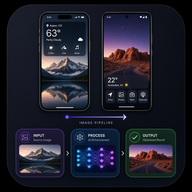
 Screenshot Pipeline
SEO · AEO · ASO knowledge base
Screenshot Pipeline FAQ
Straight answers about App Store screenshots, Google Play graphics, icons, feature banners, freemium limits, AI tokens, and the full production workflow—illustrated with real CO2 World Info store art.
Loading answers…
No matches — try “1024”, “feature”, or “CO2”.
The 5-step store workflow (CO2 example)
Answer engines and humans both need a clear path. Here is the production path Screenshot Pipeline uses for apps like CO2 World Info.
-
1 · Icon
Square masters: 512×512 Play listing + 1024×1024 App Store. Files:
out/icon/play-512.png,ios-1024.png. -
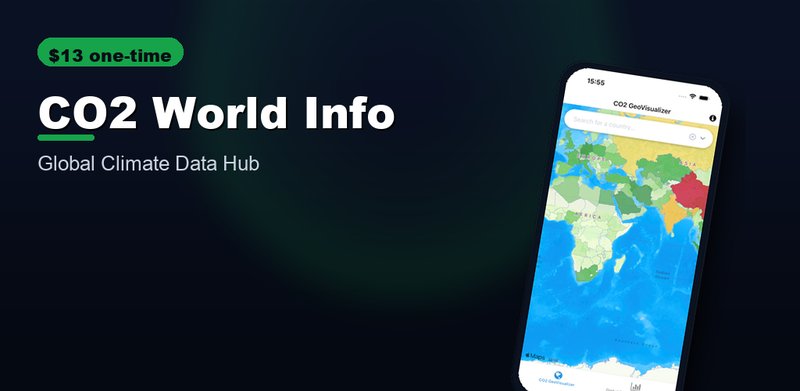
2 · Feature graphic (Play only)
Exactly 1024×500. Not used on iOS. File:
out/android/feature_graphic/feature-graphic.png. -
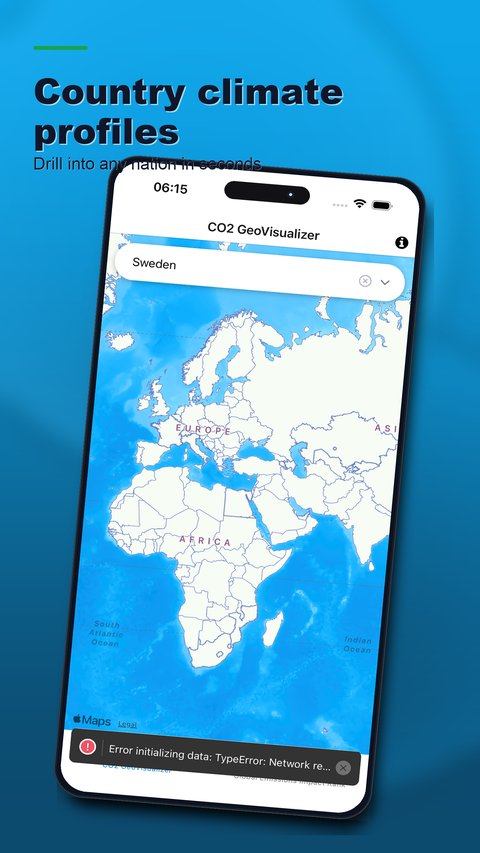
3 · Compose screenshots
Frame raw UI + ASO benefit headlines. iOS primary 1290×2796 (APP_IPHONE_67); Play phone 1242×2208.
-
4
4 · Review & quality
Gallery order is always icon → feature → screenshots. Hard-fail keyboards, chrome, wrong sizes, near-duplicates. Approve top slots (iOS ≤10, Play ≤8).
-
5
5 · Upload
Play: icon → featureGraphic → phoneScreenshots. iOS: APP_IPHONE_67 on ASC app 6475678206. Screenshots do not submit for App Review by themselves.
Example: CO2 World Info store set
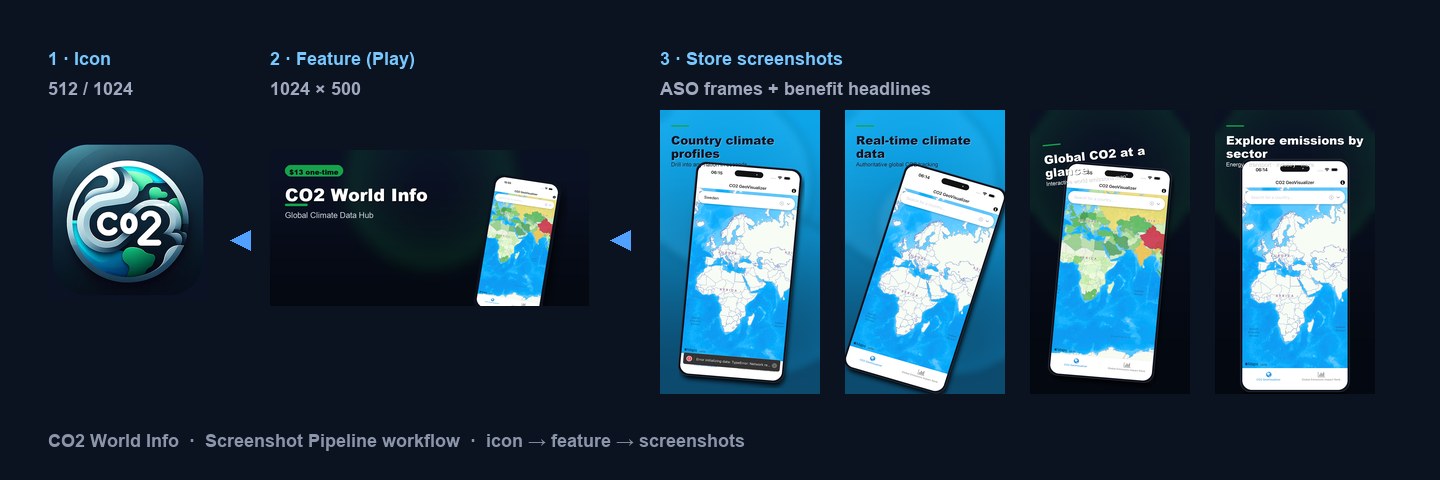
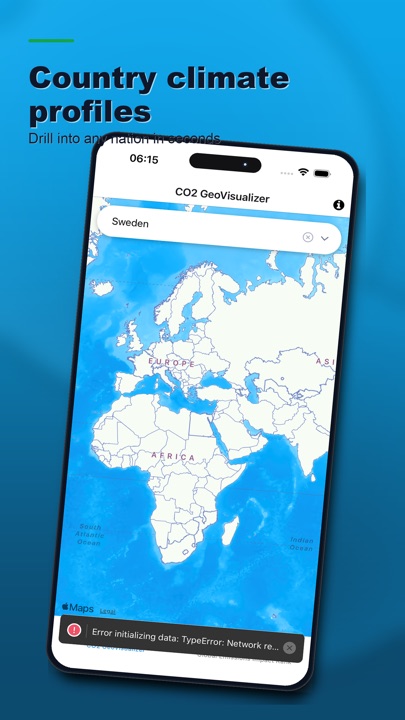
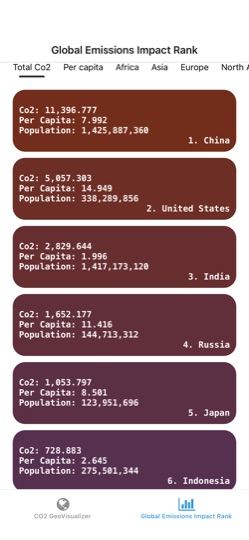
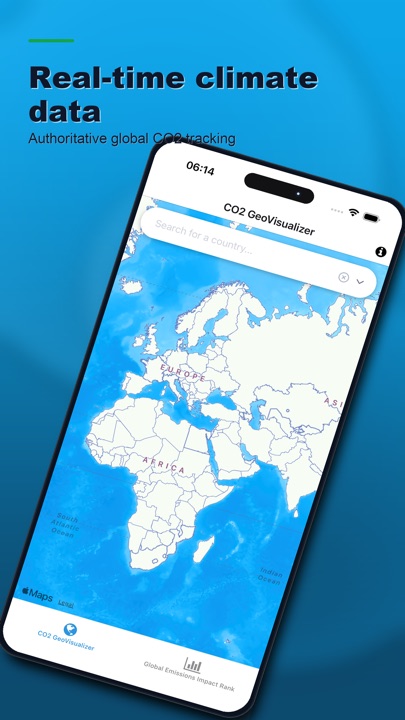
CO2 World Info is a climate data app (global emissions maps, rankings, country profiles). Below is a real production-style set: icon, Play feature graphic, and framed phone screenshots with ASO headlines.
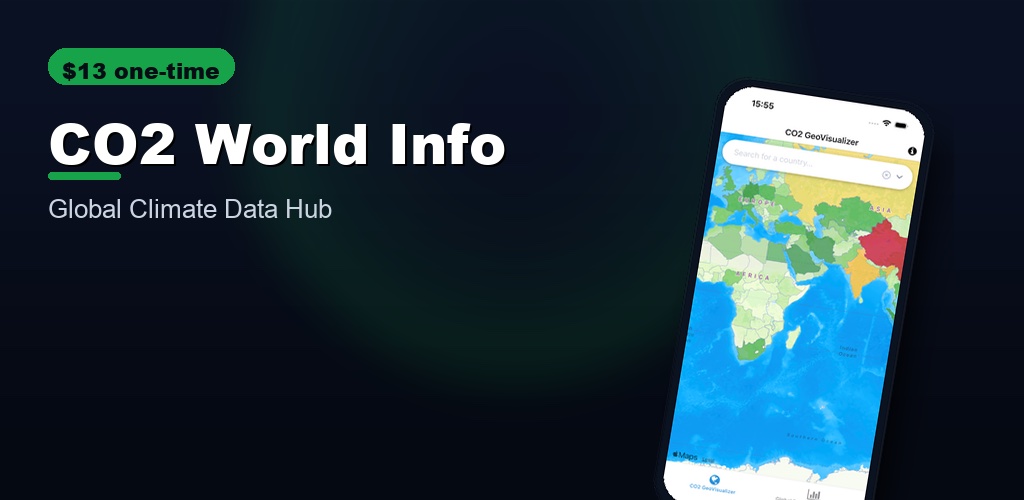
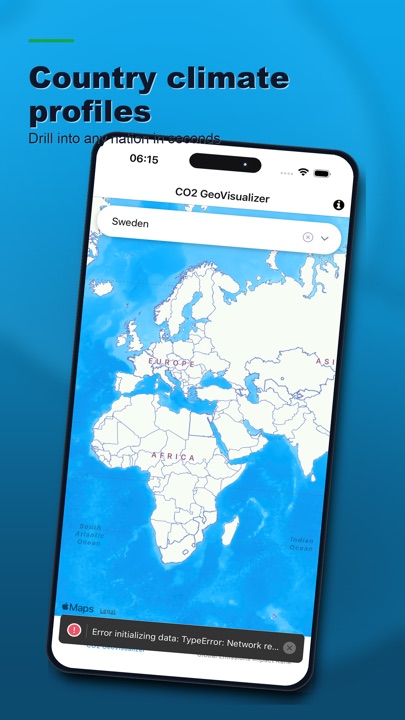
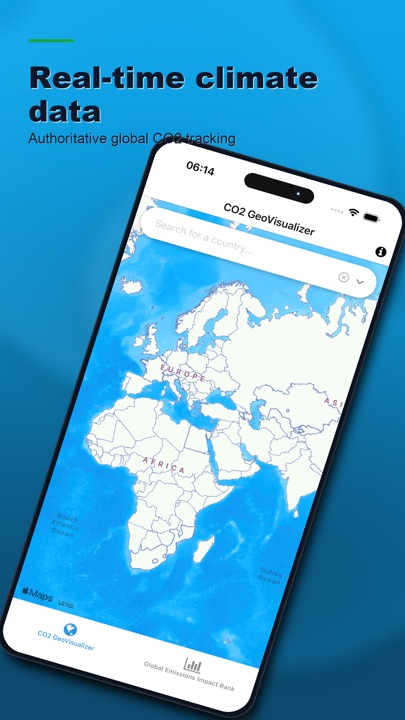
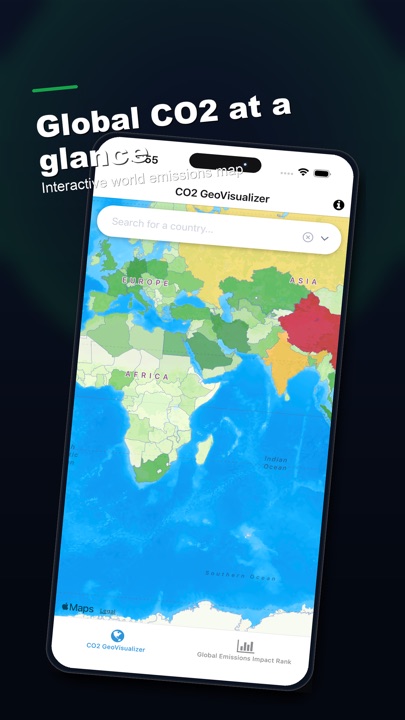
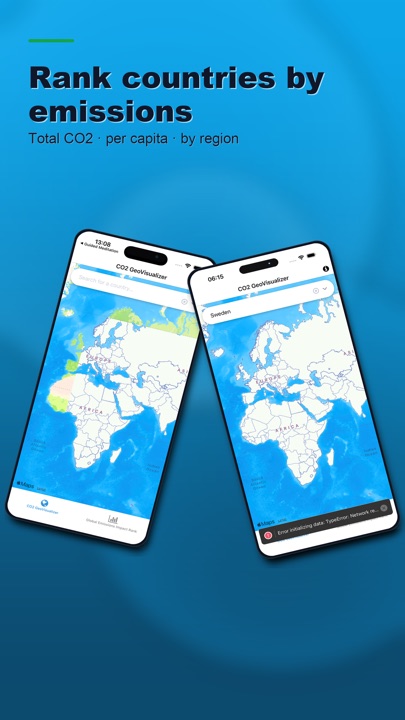
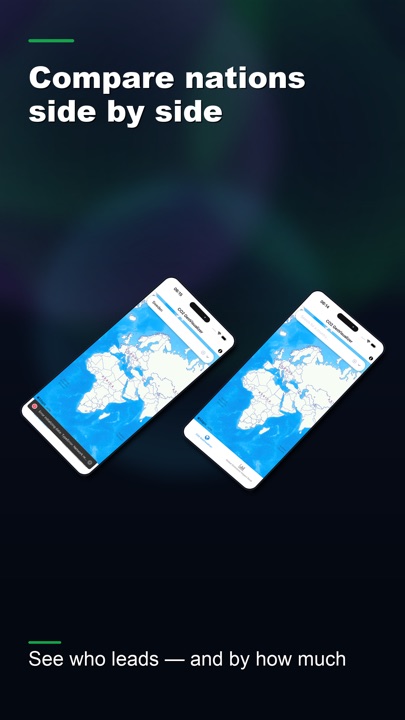
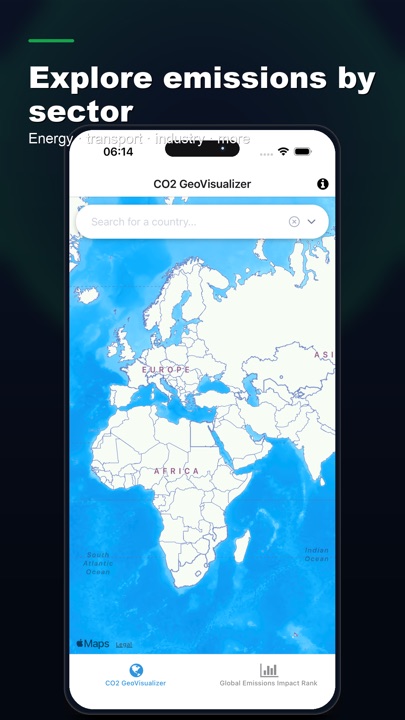
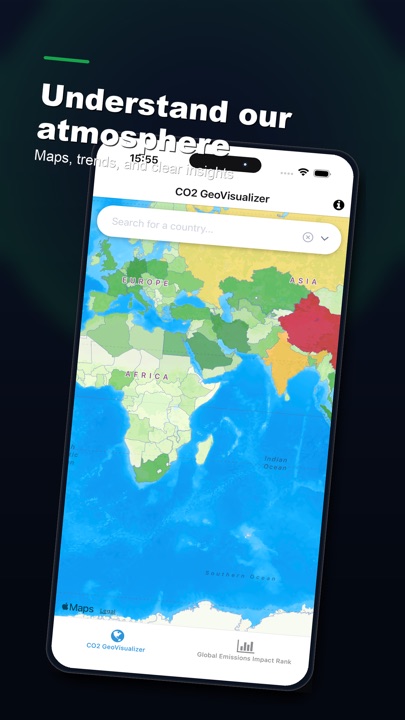
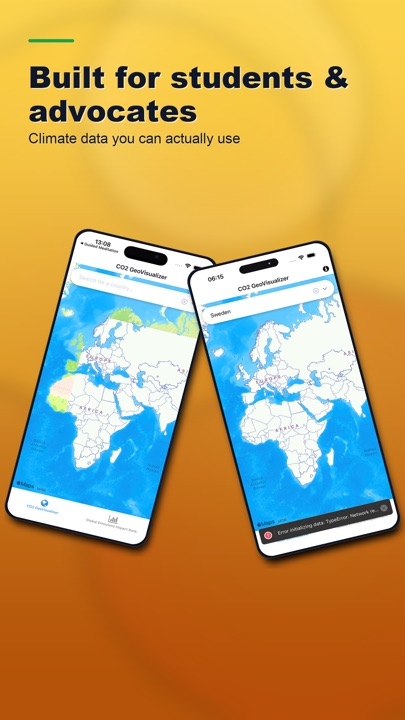
iOS primary: 1290×2796 (6.7″ / APP_IPHONE_67). Play phone: 1242×2208. Package: com.linespotting.co2worldinfo. ASC: 6475678206.
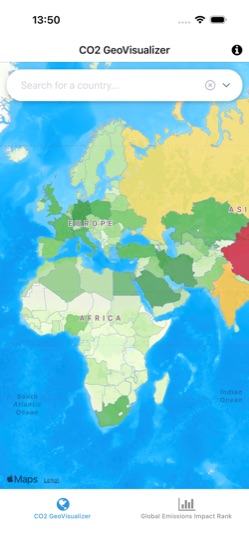
Raw UI → final store art (CO2)
Answer: raw simulator captures are not store-ready. Finals add device frames, brand backgrounds, and benefit headlines. Only finals go to App Store Connect and Google Play.
Workflow questions
Sizes, slots & assets
Styles, frames & text
Quality rules
Upload & review
Pricing, freemium & AI tokens
SEO, ASO & AEO
CO2 World Info case study
Compare tools
Tech, privacy & multi-app portfolios
Troubleshooting
Ready to build sets like CO2?
Start free (1 screenshot), then Pro or Studio when you need AI tokens and full slots.